Goobies 2 Controls
Keyboard and full controller support for aiming, slamming, and directing Sentient fire.
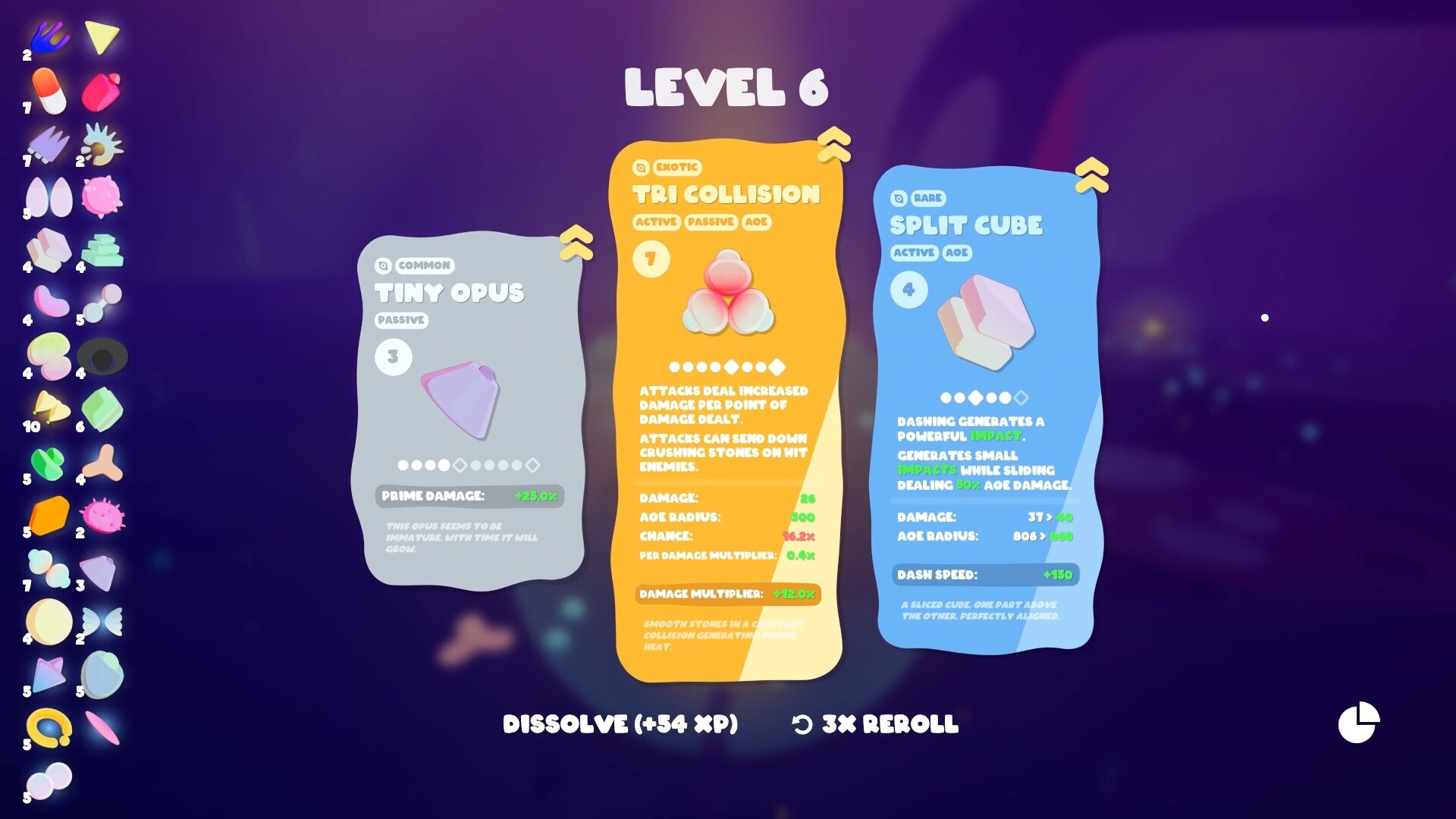
Goobies 2 lives or dies on manual aim. Höganäs Spel’s third-person roguelite shooter ships with full controller support, keyboard and mouse play, Steam Cloud saves, and the expectation that you can track targets while mutations explode around you. This page is the practical controls overview: what to bind, how controller play should feel, and which habits transfer into Getting Started runs, Co-op lobbies, and Bosses rematches.
If a bind feels wrong, fix it before you blame the build. Many failed runs are aim latency, not bad luck.
Core actions you must own
Regardless of device, practice these verbs until they are automatic:
- Move — Strafe while keeping the camera readable. The Blobverse packs punish tunnel vision.
- Aim / look — You shoot where you point. There is no auto-shooter safety net from Goobies 1.
- Primary fire — Sustain damage; learn recoil or projectile travel for your Goobie.
- Jump — Vertical answers to ground telegraphs and slam setups.
- Slam / heavy commitment — Especially important on Bingus Bongus, whose jump/slam kit defines early tank play.
- Interact / pick up — Mutations, Omens, and artifacts disappear into bad decisions if you mash without reading.
- Ping / designate — Critical once Sentient mutations auto-attack nearby threats while you ping targets. Your pings are fire-control orders, not cosmetic markers.
- Menu / map / inventory management — Space is limited; stacking multiples only works if you leave room.
Exact default key names can vary by patch and device profile — open the in-game remapper and confirm after every major update listed on Patch Notes. Use Settings for sensitivity, vibration, and accessibility toggles that keep long sessions comfortable.
Keyboard and mouse priorities
Mouse aim is the highest skill ceiling for sniper-leaning starters like Wiggle Woole. Recommended habits:
- Separate look sensitivity from ADS / fine-aim if the options menu exposes both.
- Bind ping to a finger that does not fight your fire button — Sentient stacks demand frequent re-targeting mid-strafe.
- Keep jump and slam on keys you can hit while still micro-adjusting the mouse.
- Avoid overlapping inventory confirm with fire; greed-clicking a mutation while a boss winds up is a classic wipe.
- If you play co-op on keyboard, bind a clear “need help / regroup” ping so Co-op partners can read intent without voice.
Woole players should practice tracking mid-range heads before they stack Splintering or Dense. Bingus players should rehearse jump → slam timing in empty space so the commit lands on purpose.
Controller priorities
Goobies 2 advertises full controller support, and many players will clear the campaign pad-only. Treat the stick as a Risk of Rain 2–style camera:
- Lower look stick sensitivity until you can track a strafing elite without overshooting.
- Prefer a clickable stick or bumper for ping if face buttons are crowded by jump/slam.
- Enable vibration only if it helps telegraph hits; disable it if it muddies audio cues.
- Check deadzones — Blobverse fights get noisy, and stick drift will waste Proxy positioning.
- On three-player online sessions, remember there is no split-screen; each player needs their own client and input device.
Controller players often shine with tank or mid-range kits because stick aim is steadier at moderate distances. If you insist on pure sniper Woole on pad, give yourself extra warm-up before climbing difficulty.
Mutation-aware control tips
Your binds should support the mutation pool, not fight it:
- Sentient — Ping early, ping often. Auto-attacks waste themselves on trash if you never designate the elite.
- Bombastic — Leave a clean button path for throw setups; do not bury the action under a hold-menu.
- Exploding — After tuning, expect one explosion per stack. Do not spam-commit as if old multi-boom behavior still applies.
- Celestial / Blazing / Dense — These reward clean uptime. If your aim bind is awkward, you will misread their power.
- Proxy — Movement binds matter; proximity damage wants deliberate footwork, covered more in Mutation Builds.
Omens that evolve through duplicates (Echoing Hole, Prickly Meteorite, poison-egg style effects, and peers) rarely need unique binds, but they do need inventory attention — map a comfortable inspect key so you notice evolutions mid-run.
Sensitivity and comfort checklist
Before a ranked-feeling clear or a tough Haibel attempt:
- Confirm FPS stability against System Requirements.
- Set a sensitivity you can 180° with without losing the reticle on a mid-sized enemy.
- Test jump/slam on Bingus in a quiet area.
- Test ping → Sentient response once the mutation appears.
- In co-op, agree on who calls targets so three players are not pinging contradictory priorities.
Common control mistakes
- Playing Goobies 2 like an auto-shooter and never adjusting aim between packs.
- Binding ping to an unreachable key, then wondering why Sentient feels weak.
- Over-sensitizing the stick until boss telegraphs become unreadable.
- Ignoring Steam Cloud / rebinding after a reinstall and losing muscle memory mid-session.
- Hosting three-player co-op on one couch expecting split-screen — it is online-only for multiplayer.
Link these habits into the rest of the wiki
Controls are the floor, not the ceiling. Once inputs feel honest:
- Revisit Getting Started for starter choice and loop structure.
- Use Bosses to practice the same binds against Haibel-pressure fights and Demo Destroyer lessons.
- Plan stacks on Mutation Builds and compare picks on the Mutation Tier List.
- Confirm character goals on the Goobie Roster and Unlocks.
- Keep options tidy via Settings and store / studio links via Official Links.
Master the camera first. Goobies 2 rewards players who treat every stick twitch and mouse flick as part of the build — because in this sequel, the crosshair is the build.
Frequently Asked Questions
Quick answers about Goobies 2 builds, co-op, and setup.
Does Goobies 2 support controllers fully?
Yes. The game ships with full controller support alongside keyboard and mouse.
Why does pinging matter so much?
Sentient mutations auto-attack nearby threats while you ping targets. Pings are how you aim the automatic fire.
Is there local split-screen?
No. Multiplayer is online co-op for up to three players, each on their own client.
Should Bingus players bind slam differently from Woole players?
Often yes. Bingus relies on jump/slam commitments, so those actions need the most reachable buttons on your layout.